Project 01
Advanced Excel Skills Lab
Set up your workspace and practise Advanced Formulas with Microsoft Excel, Power Query, Pivot Tables. Record your steps, check the results, and troubleshoot common mistakes.
 Loading page

Advanced formulas, PivotTables, data cleaning, reporting, dashboards, lookup functions, and analytical features.
Learner rating
4.7/5
Course duration
34 Days
Learning modules
4 modules
Learning mode
Online
Start learning.
Join 40M+ learners who transformed their careers.
By continuing, you agree to our Terms and Privacy Policy. We'll send important updates on WhatsApp.
Your next step

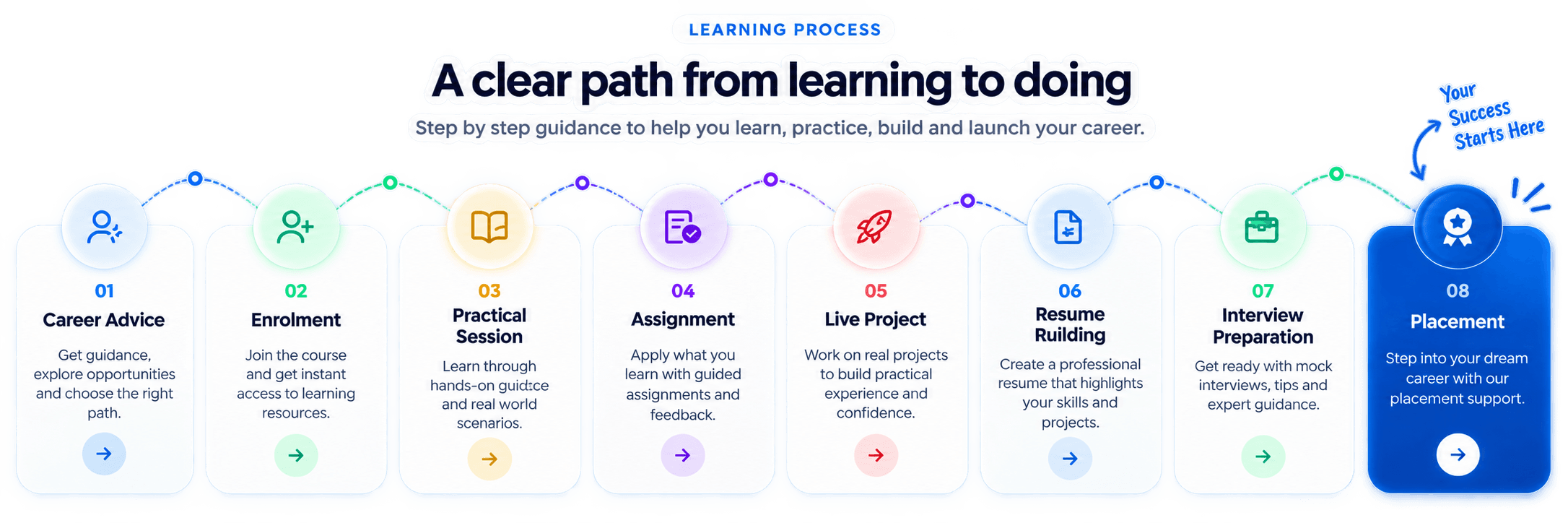
Advanced Excel is a 34 Days Data Analytics with AI program built around hands-on practice, guided assignments, interview preparation, and placement support. Start with Advanced Formulas, practise with Microsoft Excel, Power Query, Pivot Tables, and connect your learning through applied business scenarios. Build a portfolio that explains your approach and prepare for roles such as MIS Executive and Data Analyst Trainee.
34 Days structured training program
Hands-on practice with Microsoft Excel, Power Query, Pivot Tables
Live projects and portfolio-ready assignments
Certification guidance and placement assistance
A structured learning journey
Explore the curriculum, build your understanding one module at a time, and put each new skill into practice.
Find out how this curriculum fits your career goals.
Tools & technologies
Explore industry-relevant tools through hands-on learning to master practical, in-demand skills.
Build practical skills with industry-relevant learning, expert guidance, and hands-on projects designed for modern teams.
Get the complete curriculum, tools, projects, and career support details in one brochure.
Build something that matters
Every student completes 6 real-world projects — one per month — building a professional portfolio demonstrated during placement interviews.
Set up your workspace and practise Advanced Formulas with Microsoft Excel, Power Query, Pivot Tables. Record your steps, check the results, and troubleshoot common mistakes.
Translate a business brief into a Data Analytics with AI workflow using Microsoft Excel, Power Query, Pivot Tables. Explain your decisions and refine the solution with trainer feedback.
Bring your Advanced Excel skills together in a final project. Define the requirements, validate the result, and prepare a walkthrough with documentation for your portfolio.
Portfolio tip: document the problem, your approach, and the result so you can walk an interviewer through your decisions.
Learn more about how we have been impacting thousands of careers.
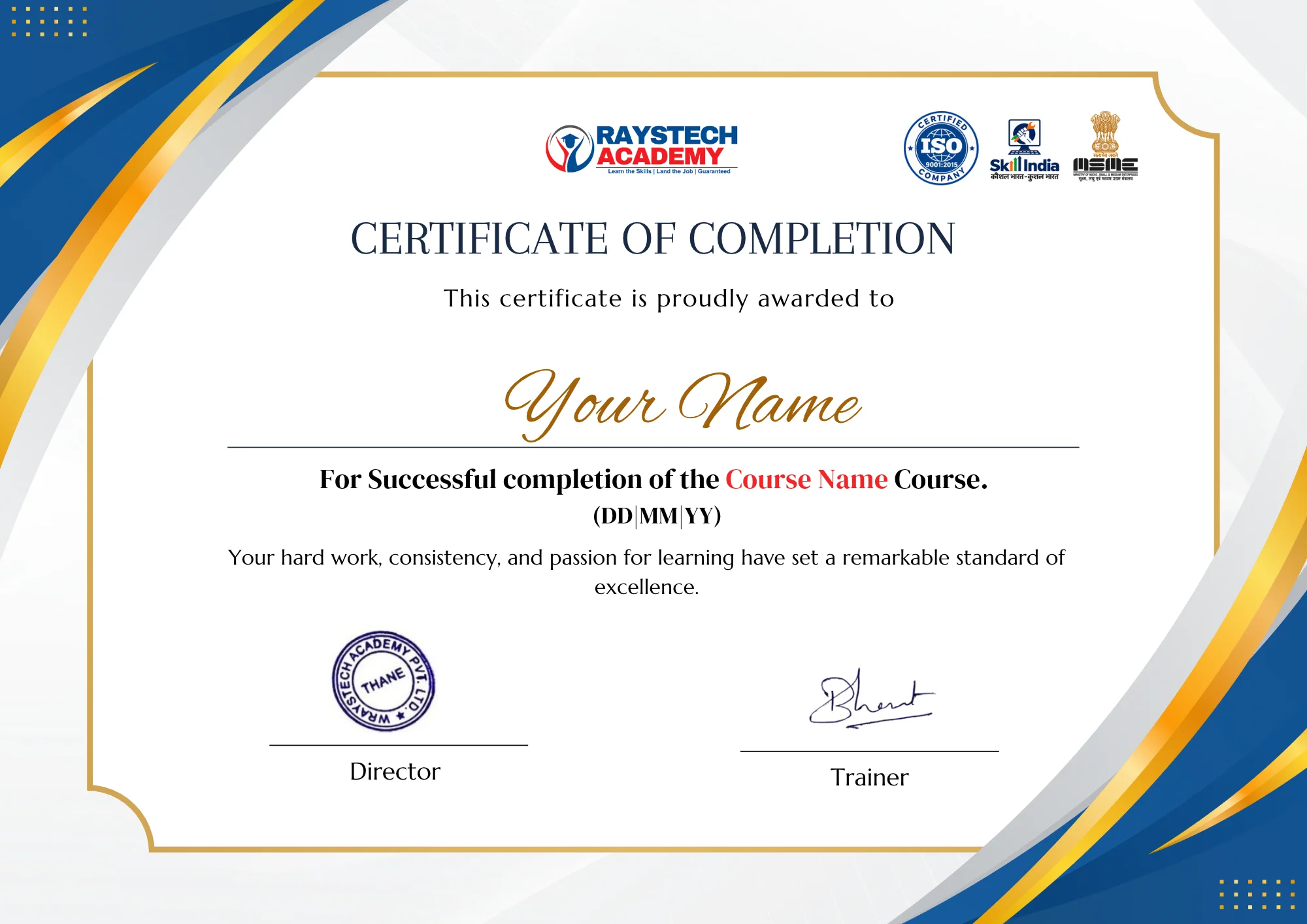
Recognition that travels with you
Certification pathway
Build a credible portfolio of skills with structured preparation, practical projects, and certification guidance from experienced mentors.
Beyond the classroom
Soft skill session
Resume building
Aptitude training
LinkedIn profile building
Mock interview
Job assistance
Dedicated placement support with industry connections and recruiter interactions.









Your next opportunity starts here
 Industry-ready courseFilling fast

CAREER OUTCOME
Offer letter preview
Congratulations!
Your practical skills, projects, and career preparation can help you approach interviews with clarity and confidence.
Role-ready preparation
Portfolio, interview practice, and mentor feedback.
Career counsellor
A little more clarity
Answers to common questions about learning, projects, and getting started.
Advanced Excel is listed as a 34 Days program in the course catalog.
Yes. The program includes resume support, mock interviews, career counseling, and job referral assistance.
Yes. Students complete practical assignments and a portfolio-focused capstone project with trainer guidance.
Discuss your background, explore the course, and get help choosing a learning plan that fits your goals.
Book a Free Demo